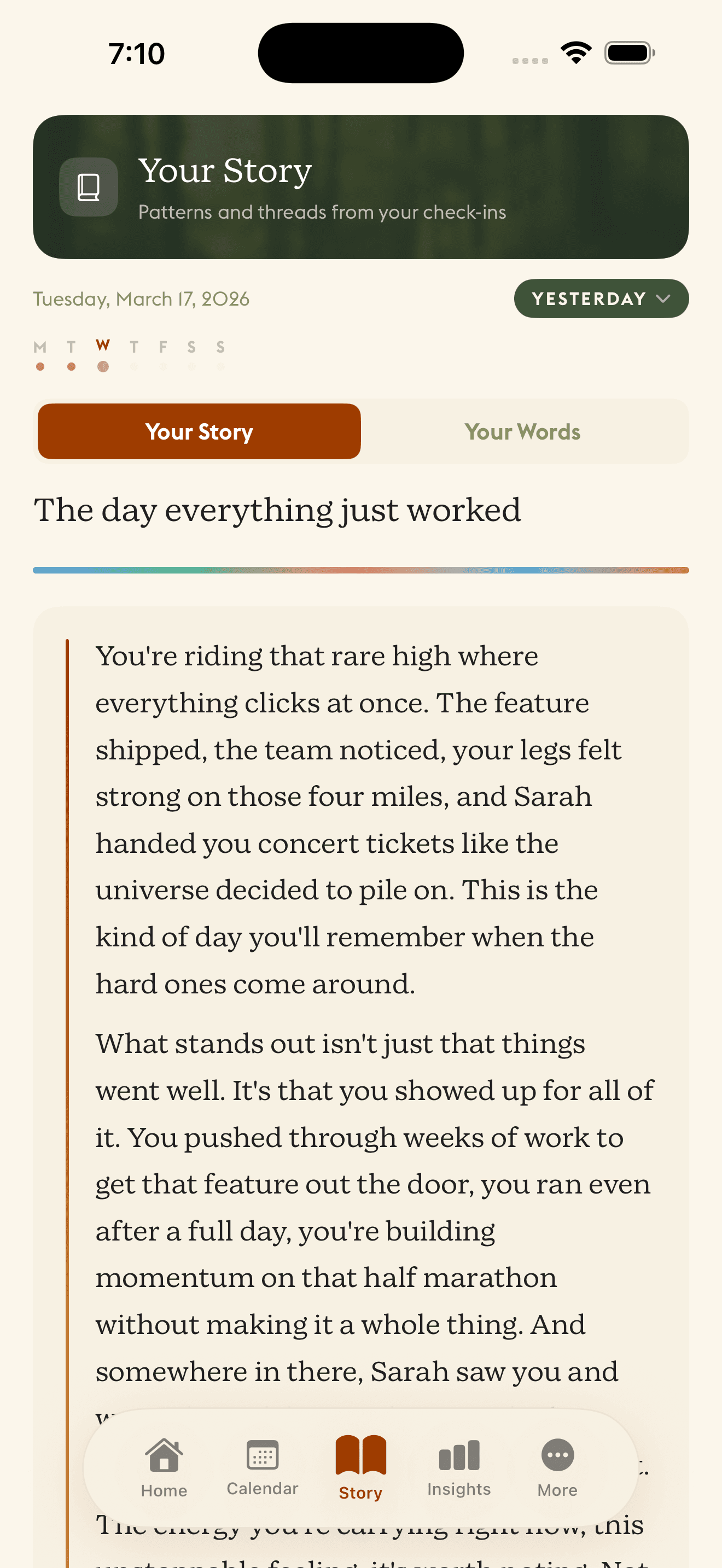
Bring your past with you.
Import old journals from text files, PDFs, even photos. Daylogue reads them, understands them, and weaves your history into your narrative timeline.
Years of journaling, finally connected
Most apps start from day one. Daylogue lets you bring everything you've ever written. Past journals, old notes, even your conversations with AI models like ChatGPT and Plog. Your narrative doesn't start when you download the app. It starts whenever you did.
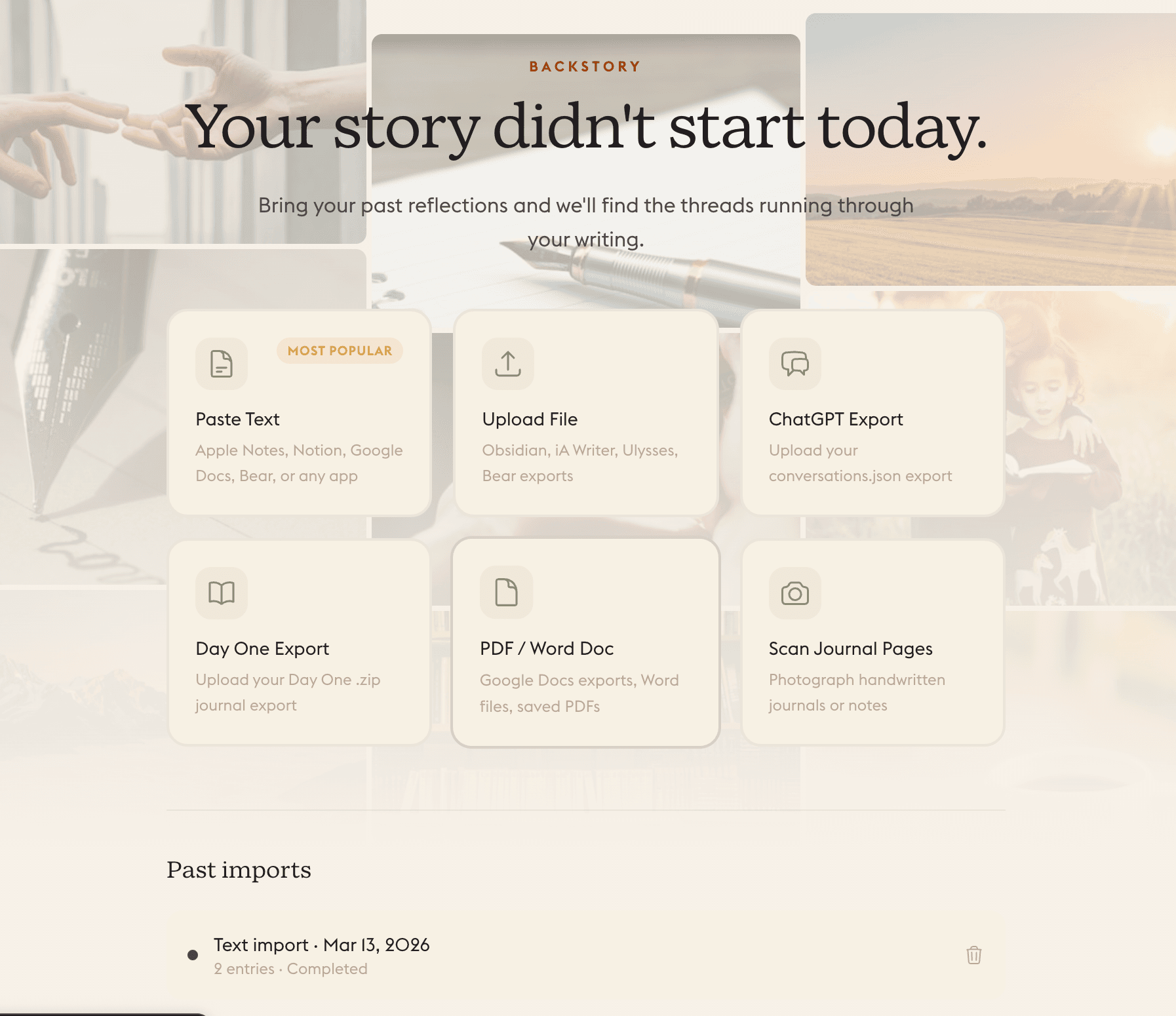
How backstory import works
Upload your past. Daylogue connects the rest.
Upload your journals
Drag and drop text files, PDFs, or photos. We accept exports from Day One, Apple Notes, and plain text.
AI reads and understands
Daylogue processes your entries, extracts emotional themes, identifies patterns, and builds a picture of your past.
Your timeline fills in
Past entries appear on your narrative timeline. Your chromascape gains depth. Themes stretch back months or years.
Your narrative gets richer
When Daylogue writes your daily story, it can reference patterns from your past. You've been here before. Last October, you wrote something similar.